

Public beta
Start building your booking flow today
Join Bookairy early and onboard your services, staff, clients and schedule in one calm workspace.








No obligations. No payment details required.
Sign up for a Free TrialBookairy is a brand new booking system and is now open in public beta.
The platform is stable, but you can still run into bugs. Feel free to send those to Bookairy so we can keep improving it.
This website is also new and still undergoing development.
Contact BookairyBookairy platform
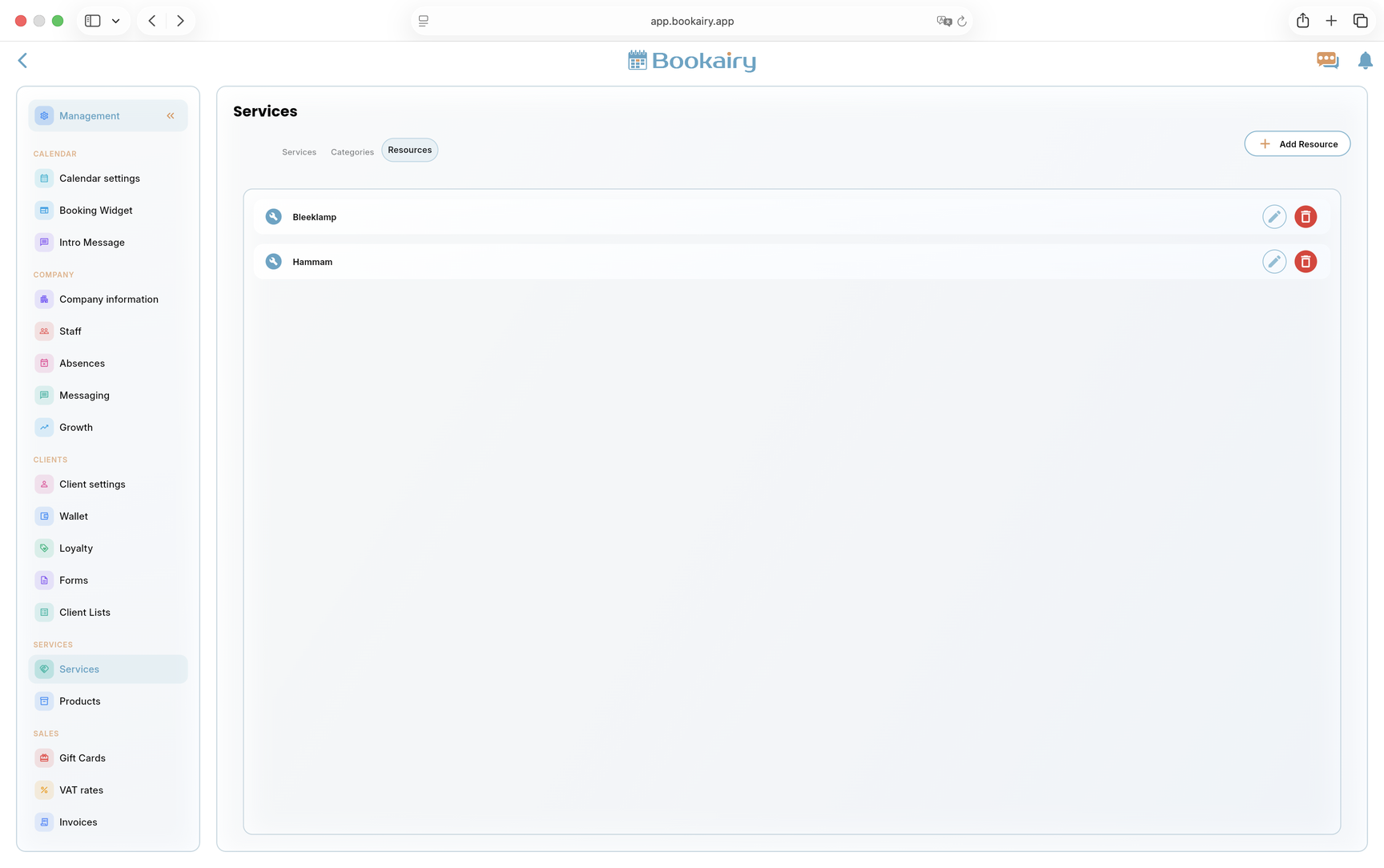
Promote your services, receive online appointments, and manage staff and clients, all in one platform. With Bookairy, you streamline planning, communication, and administration so you can work more efficiently and generate more bookings.

 Online BookingsAccept bookings 24/7
 Booking WidgetAdd booking to any website
 Smart SchedulingAutomatically optimize your calendar
 Events OrganizerPlan and manage events easily
 Client ManagementOrganize and track your clients
 Company ManagementControl your business settings
 Staff ManagementManage your team and roles
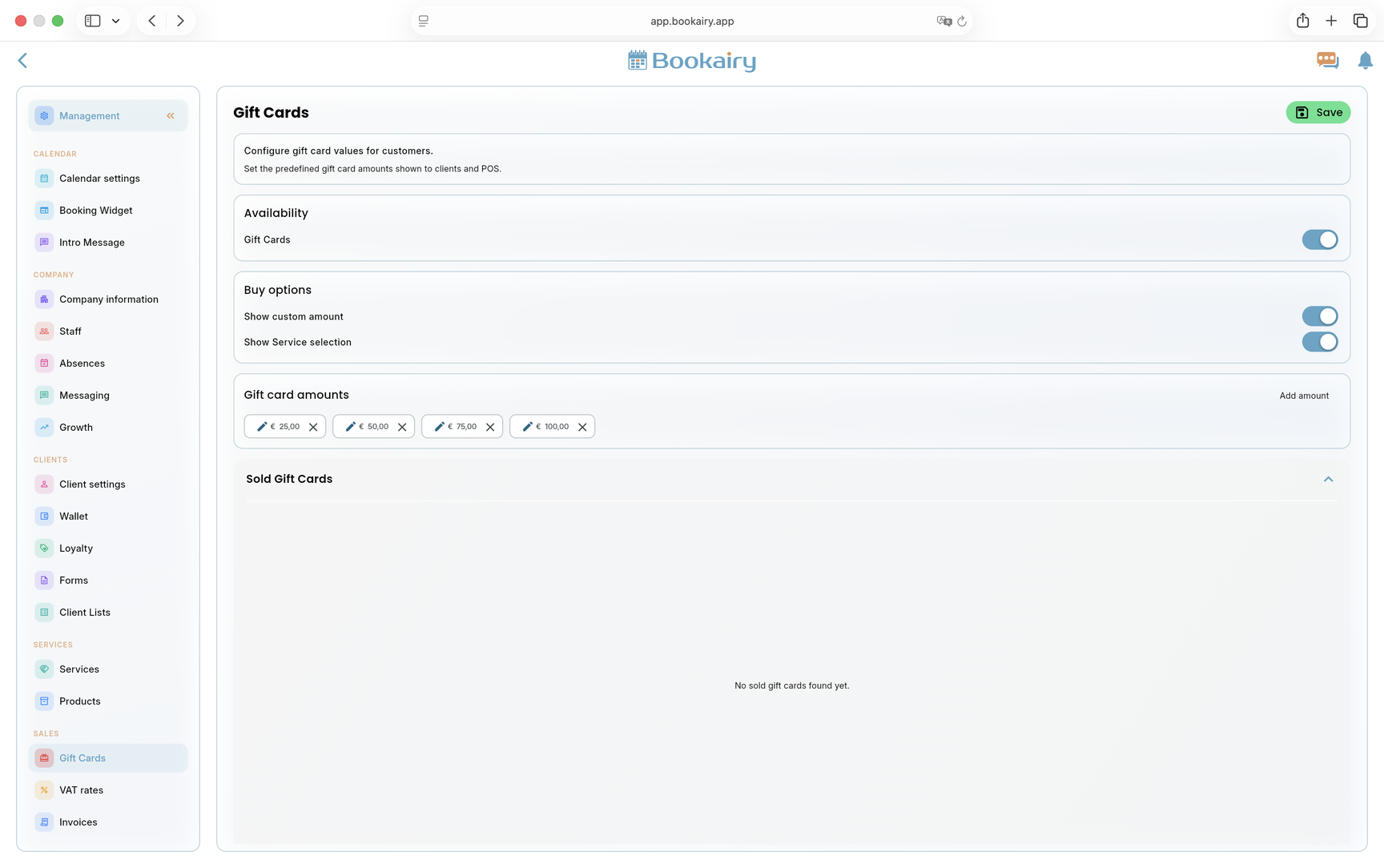
 Gift CardsSell and redeem gift vouchers
 POSProcess sales and payments quickly
 Client WalletTrack client balances and credits
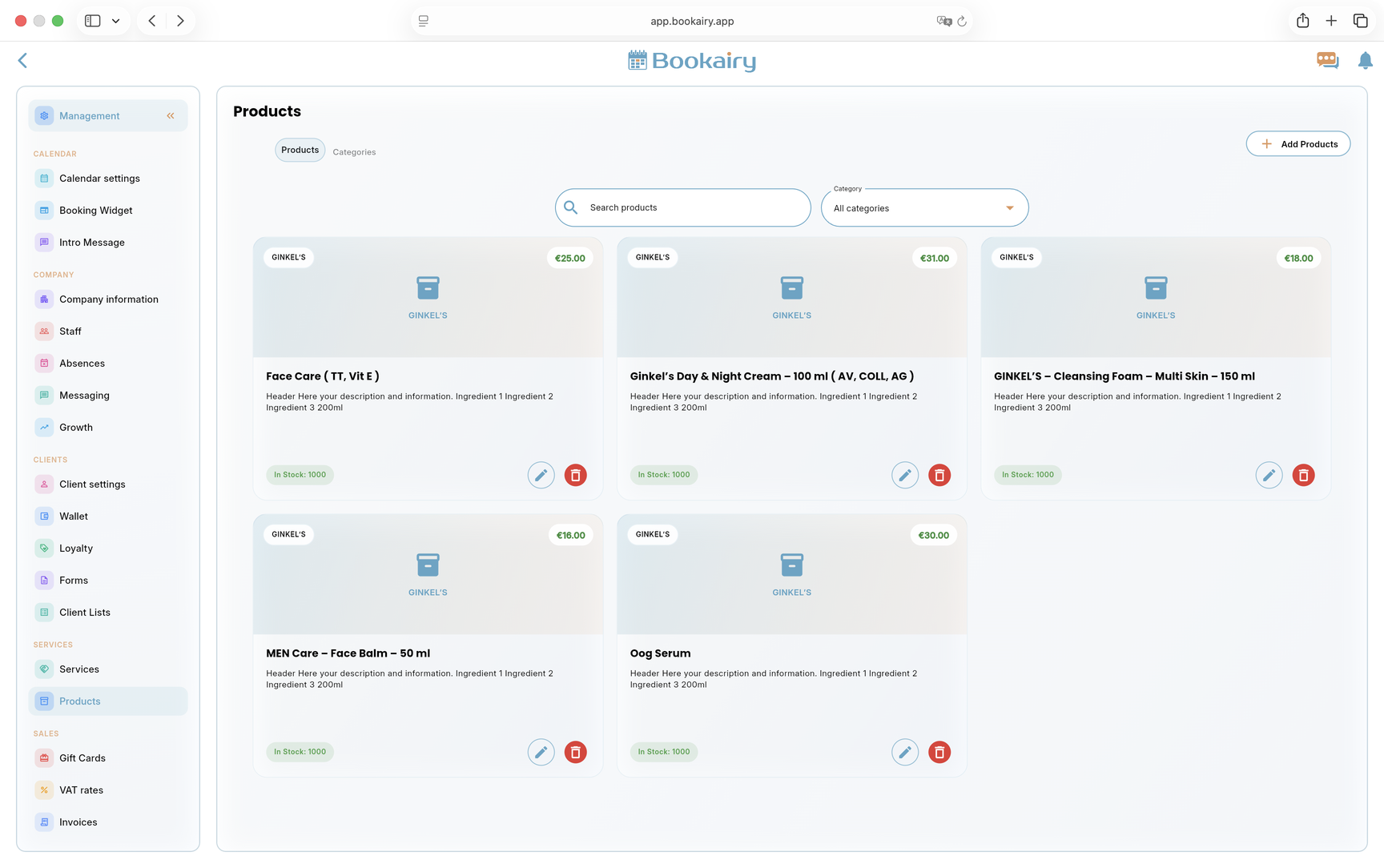
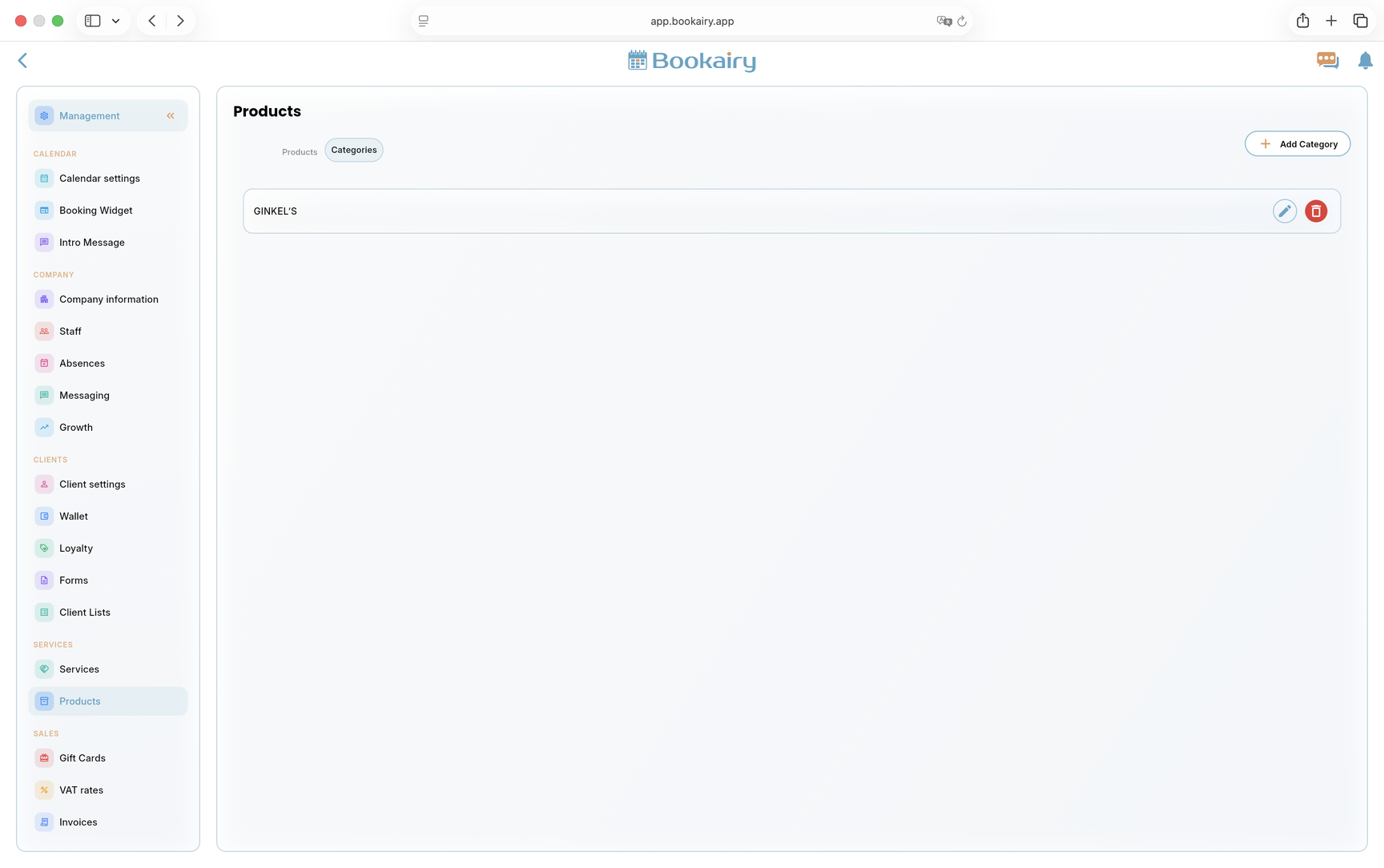
 ProductsManage and sell your inventory
 FormsCreate and manage custom forms
 Email & Push NotificationsSend automated updates
 StatisticsMonitor performance and insights
 TranslationsManage languages and content
 SettingsCustomize your platform
There is more
Bookairy includes practical management screens for setup, daily control and payment activation, so teams can shape the platform around how they work.
Online BookingsLet clients book services from public booking pages while availability, staff and business rules stay connected to the management calendar.
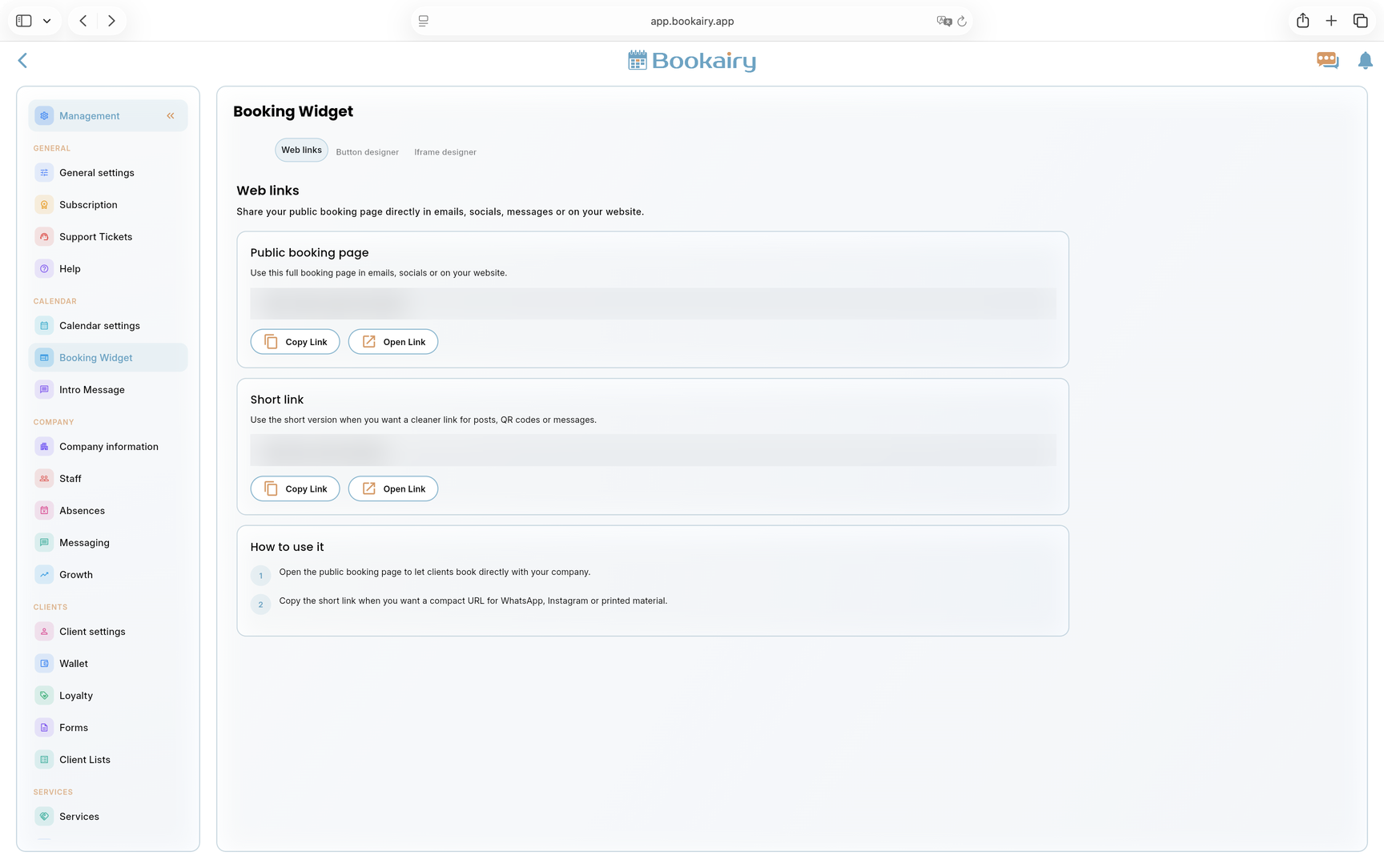
Booking WidgetAdd Bookairy booking to an existing website with embeddable buttons, iframe options and direct links for campaigns or social profiles.
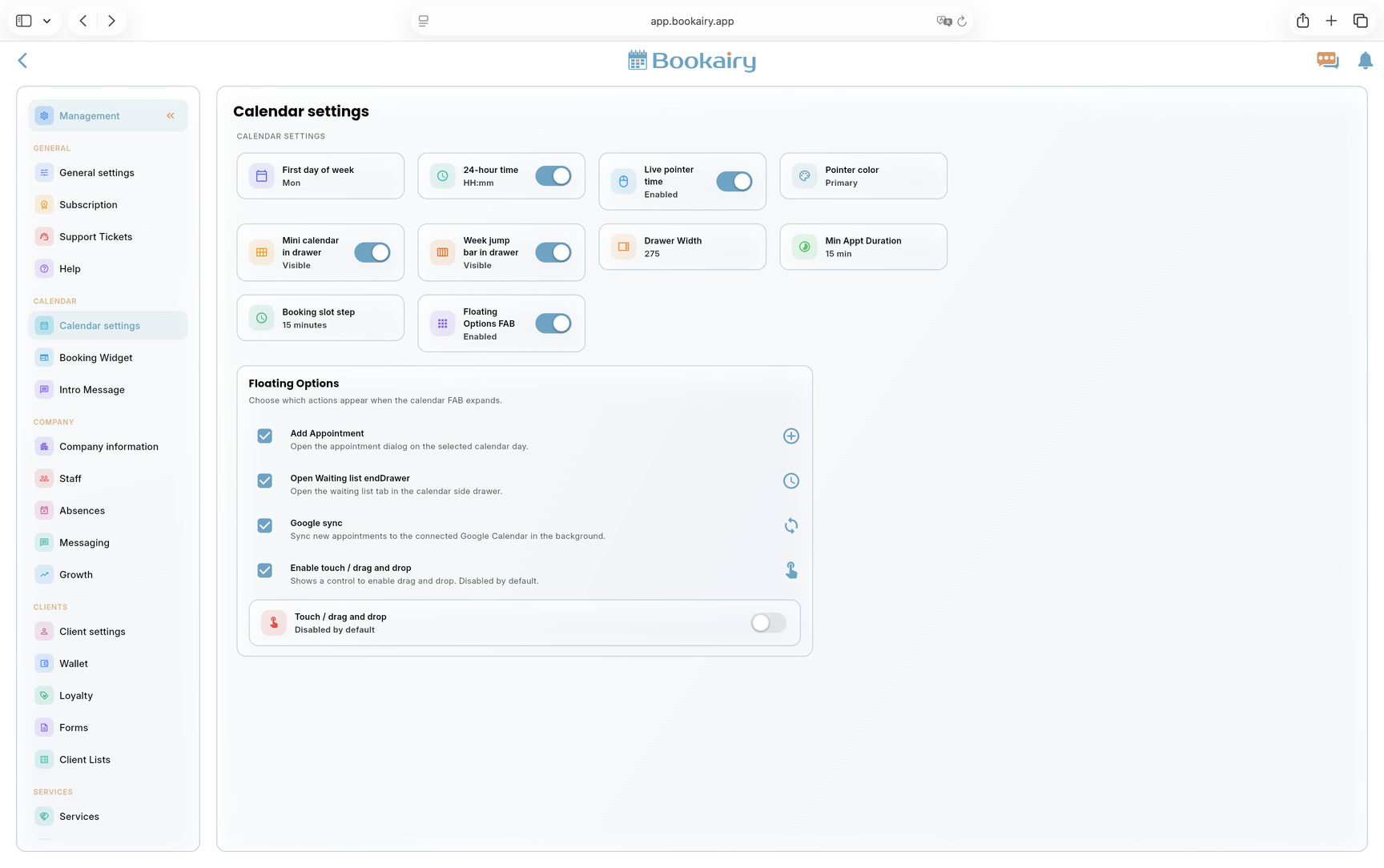
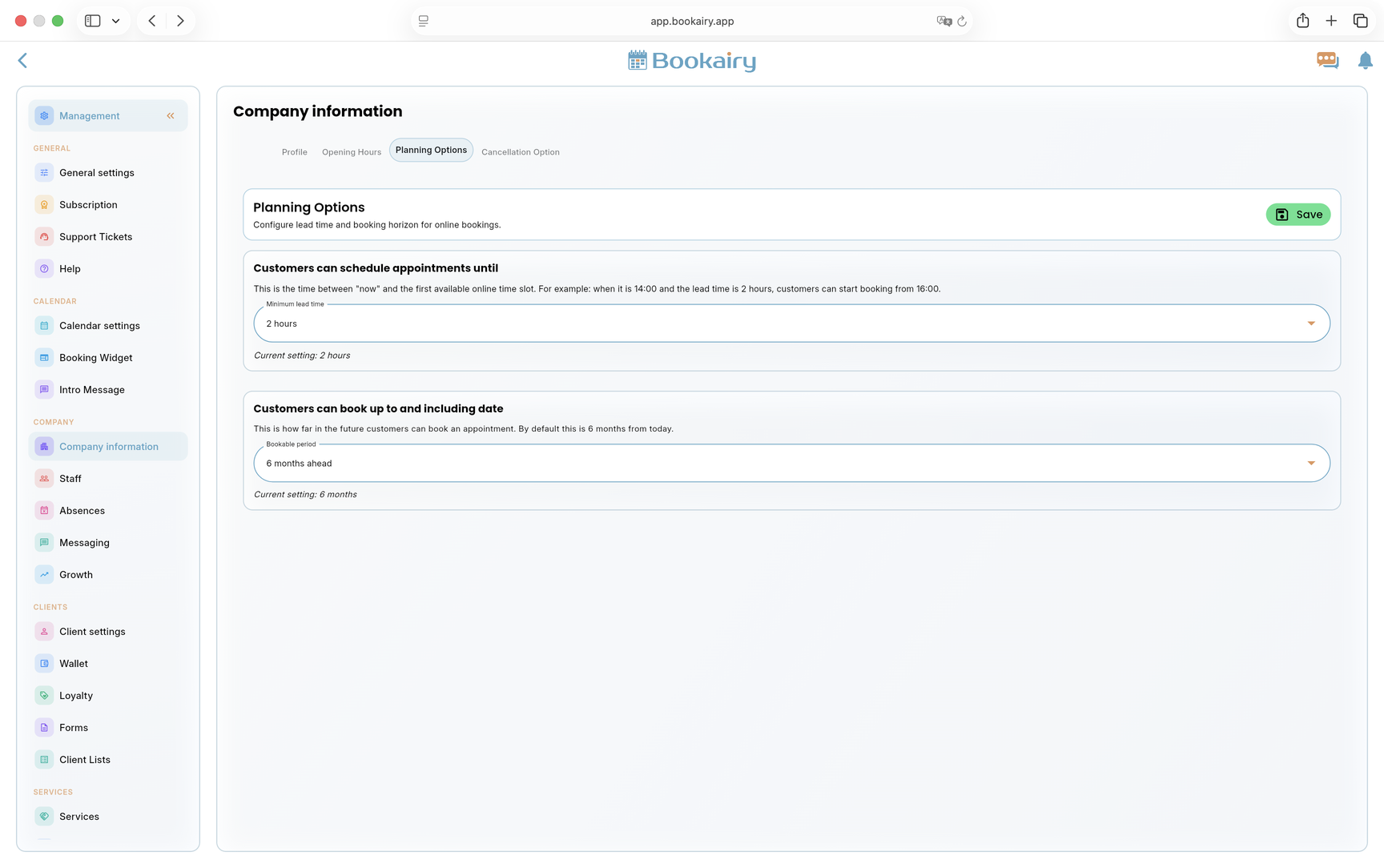
Smart SchedulingKeep bookings aligned with working hours, staff availability, service duration, cancellations and planning rules.
Events OrganizerPlan event-style services, connect them to the right location and keep bookings visible inside the same operational workflow.
Client ManagementBuild client profiles with booking history, contact details, notes and the commercial context needed for repeated service.
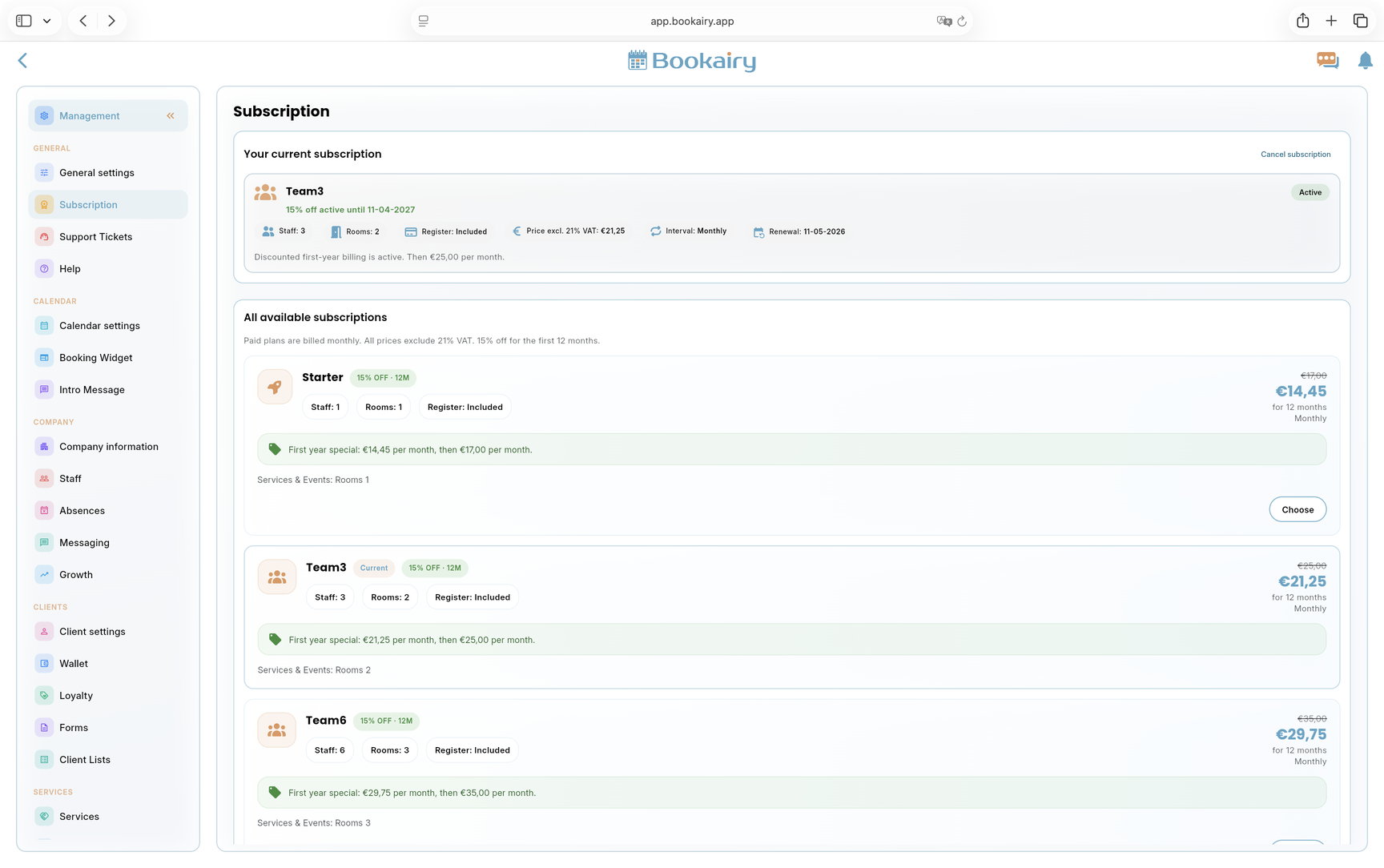
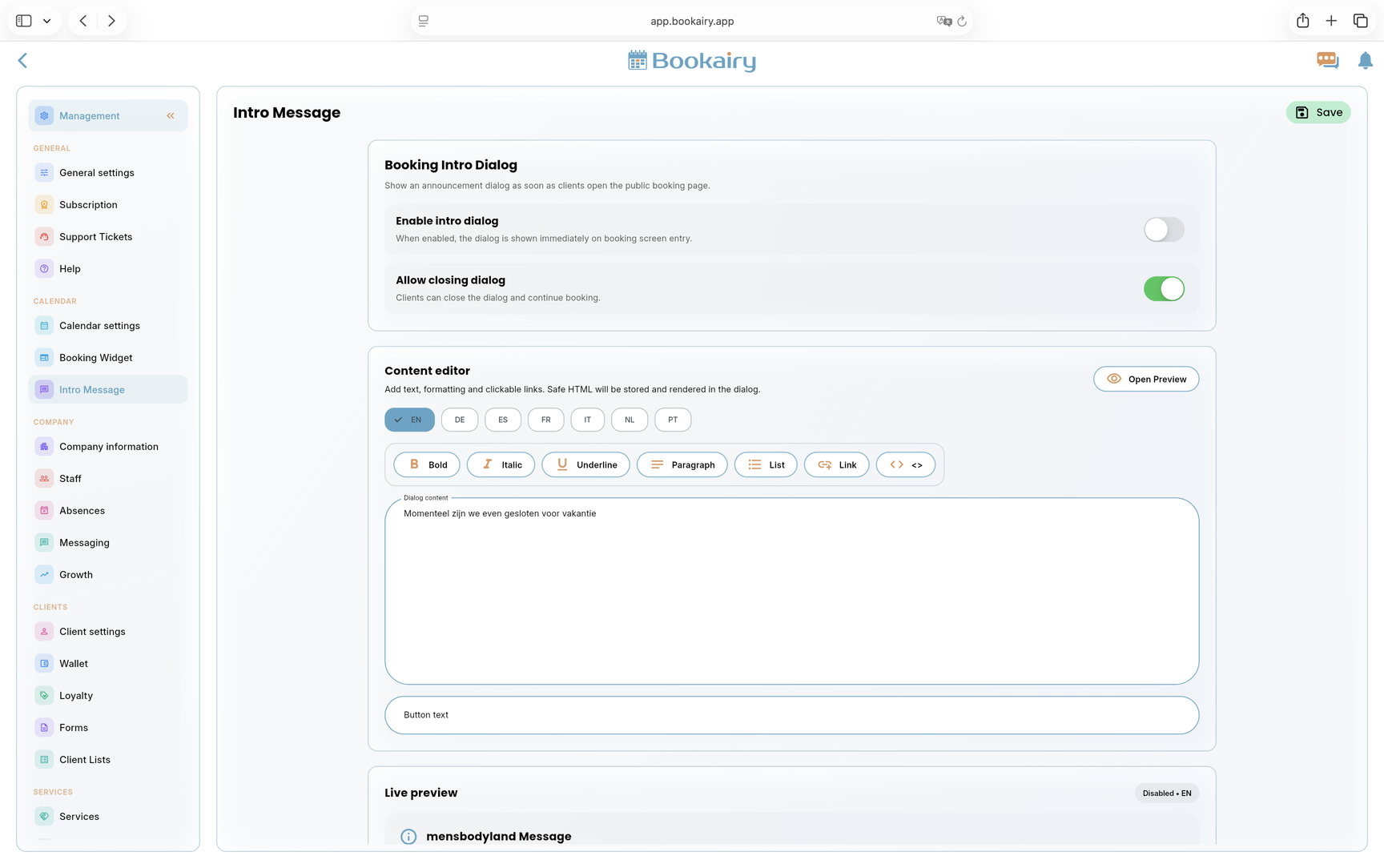
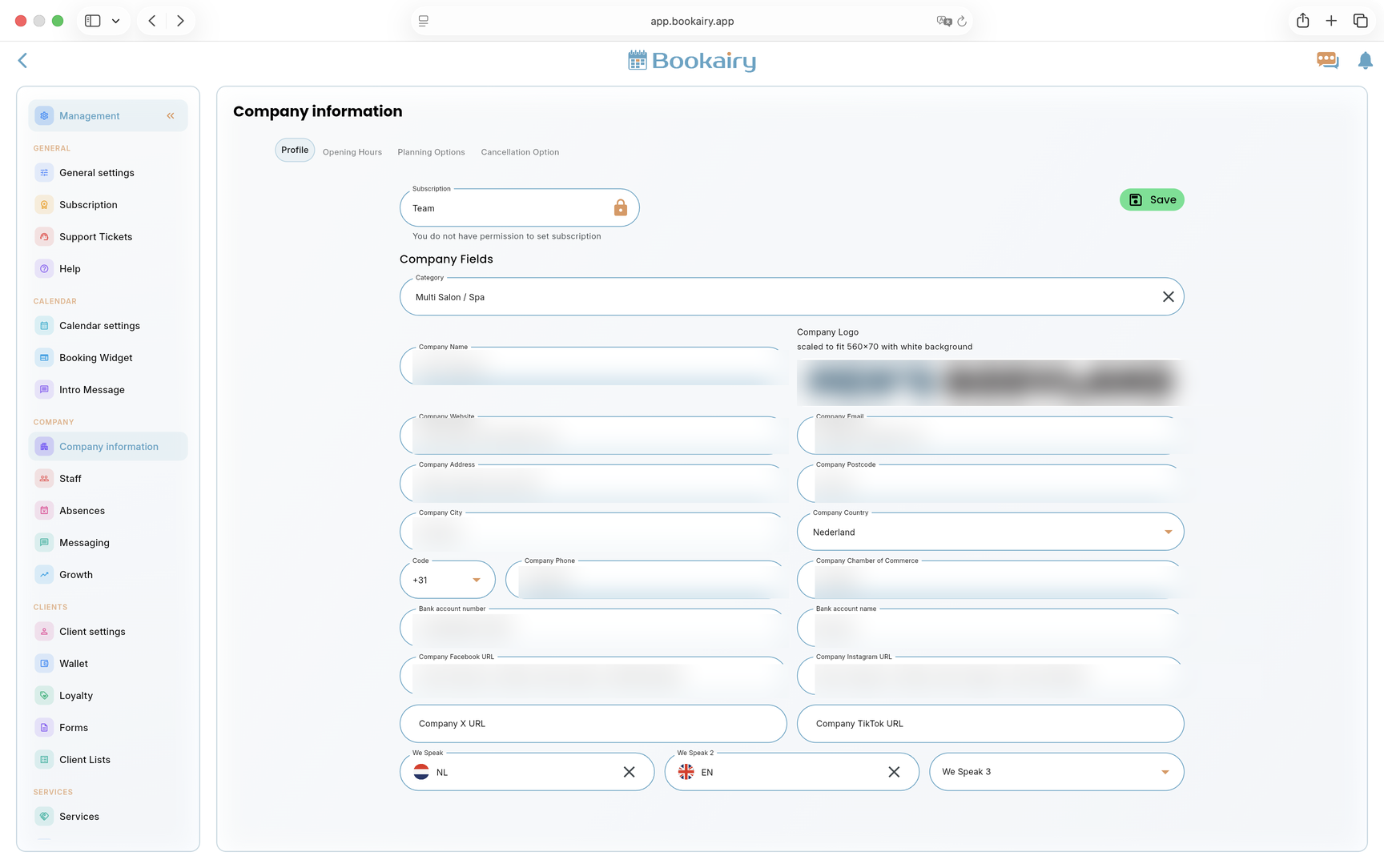
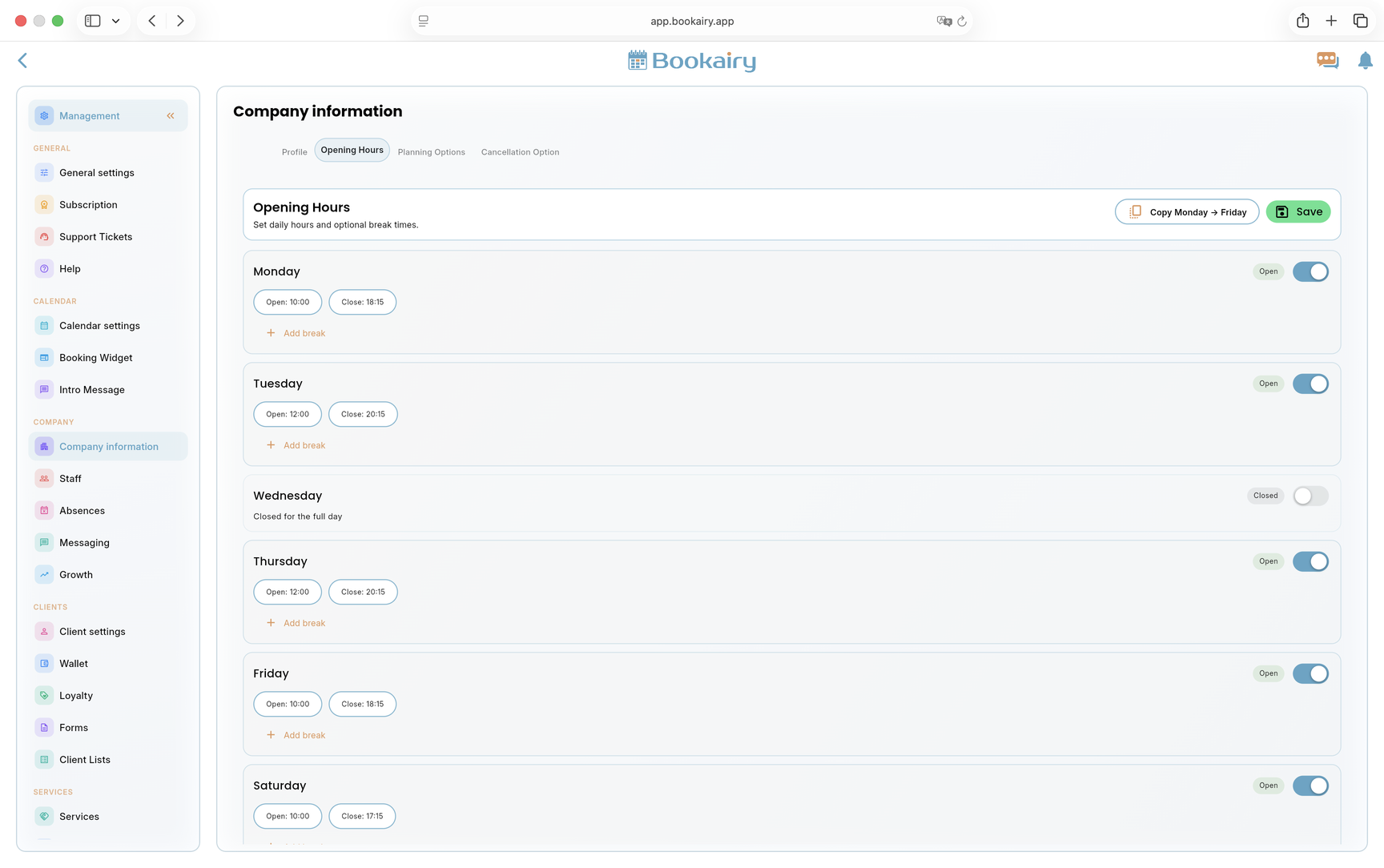
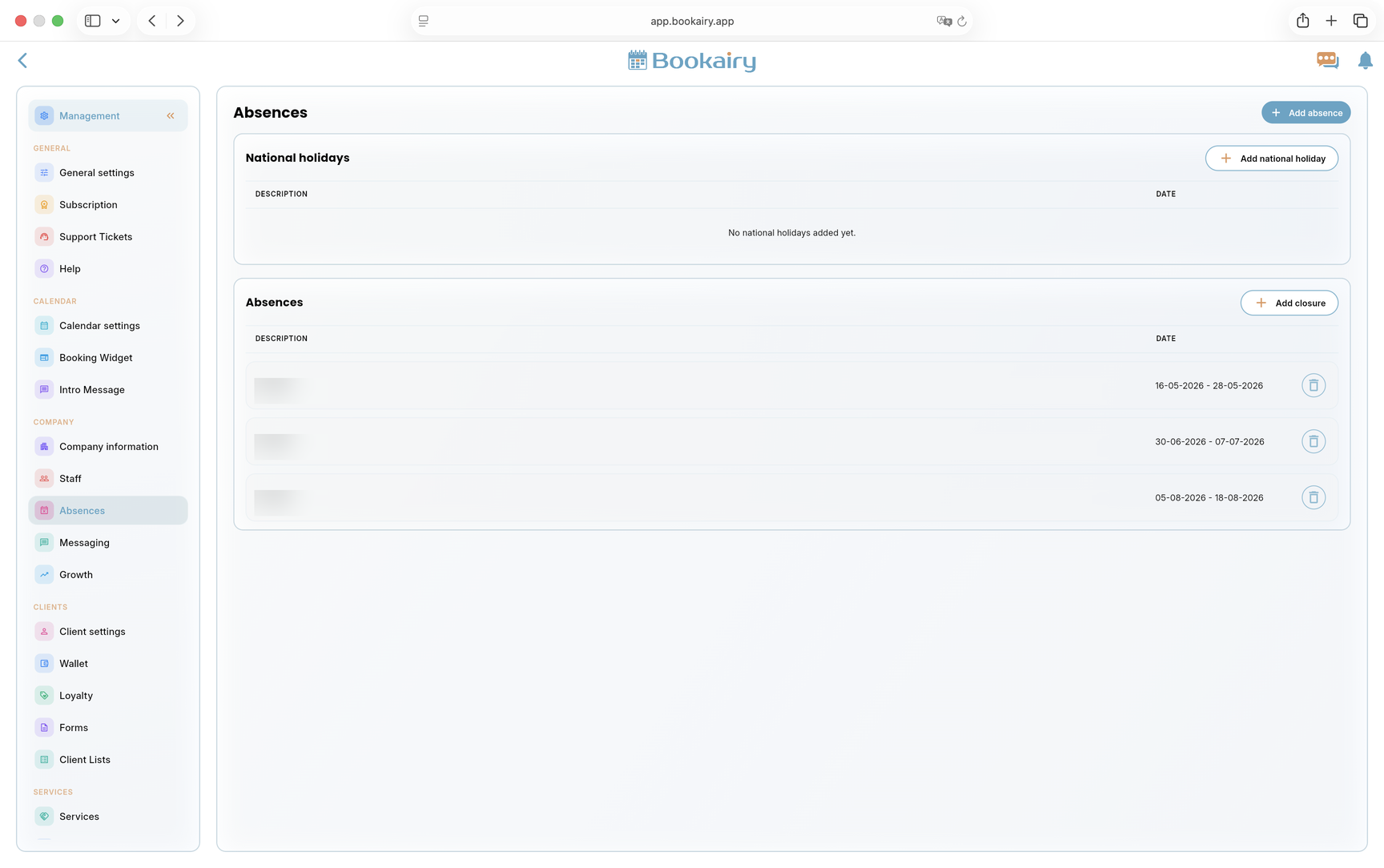
Company ManagementControl company details, business settings, opening hours, subscriptions and operational defaults from one management area.
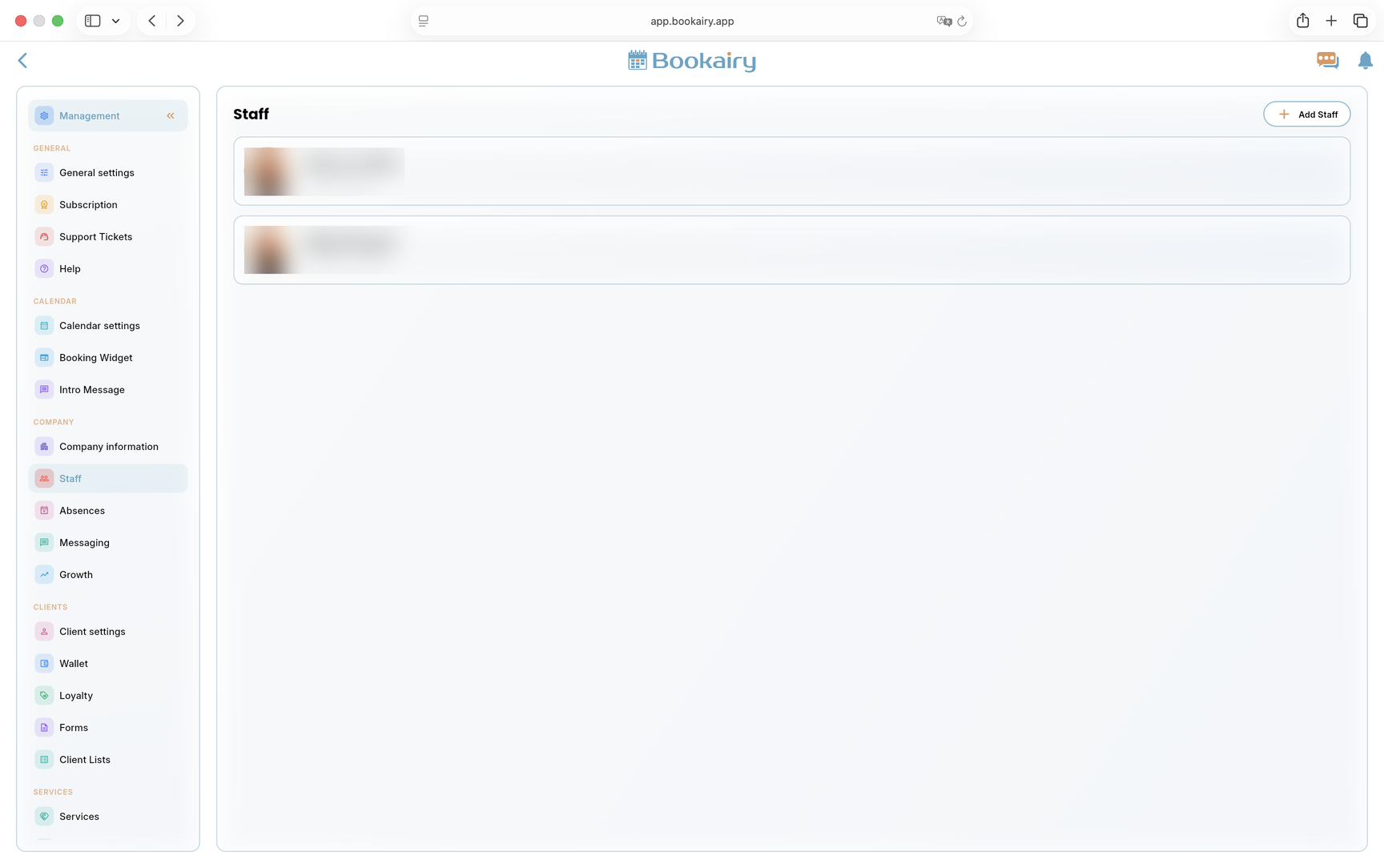
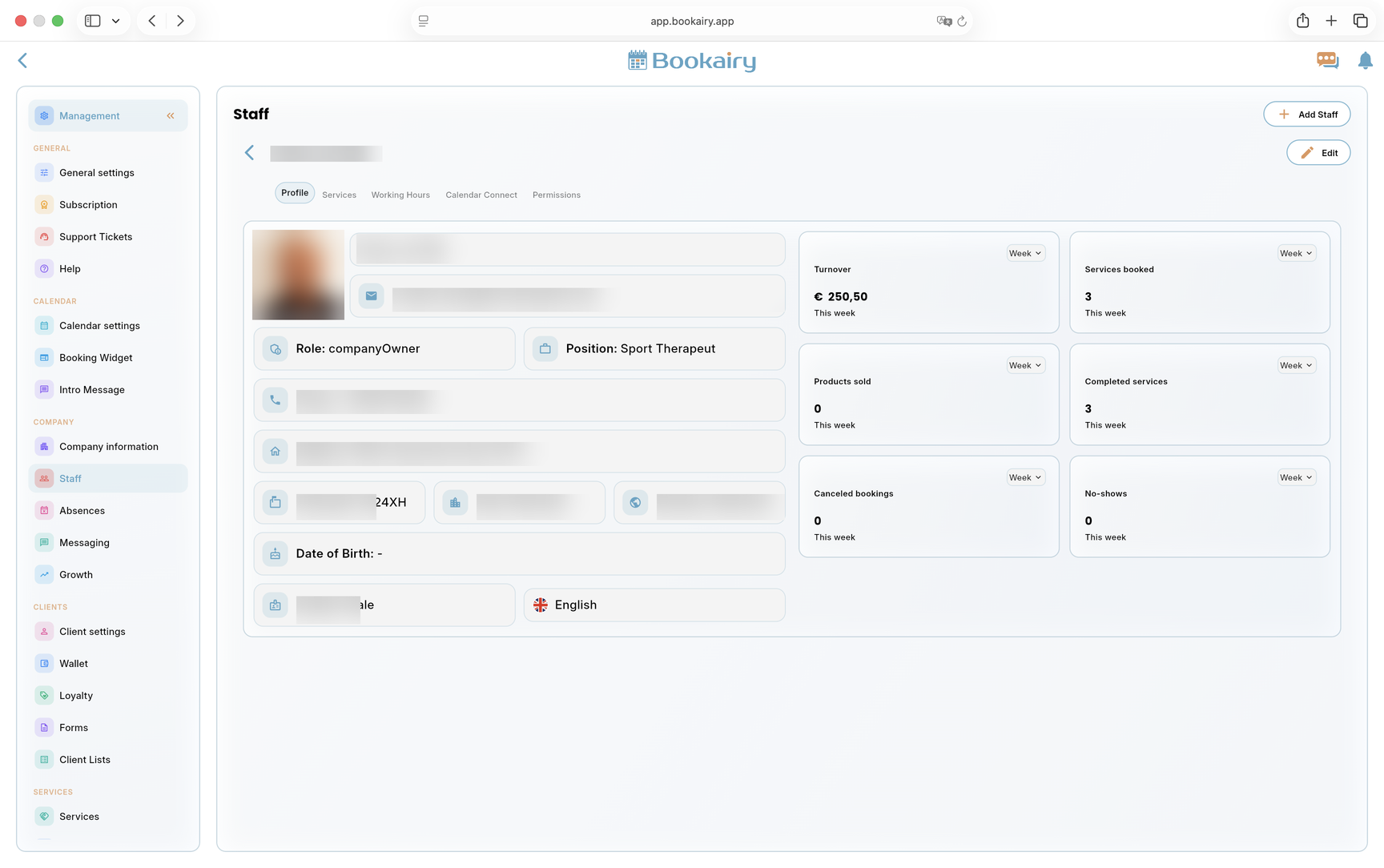
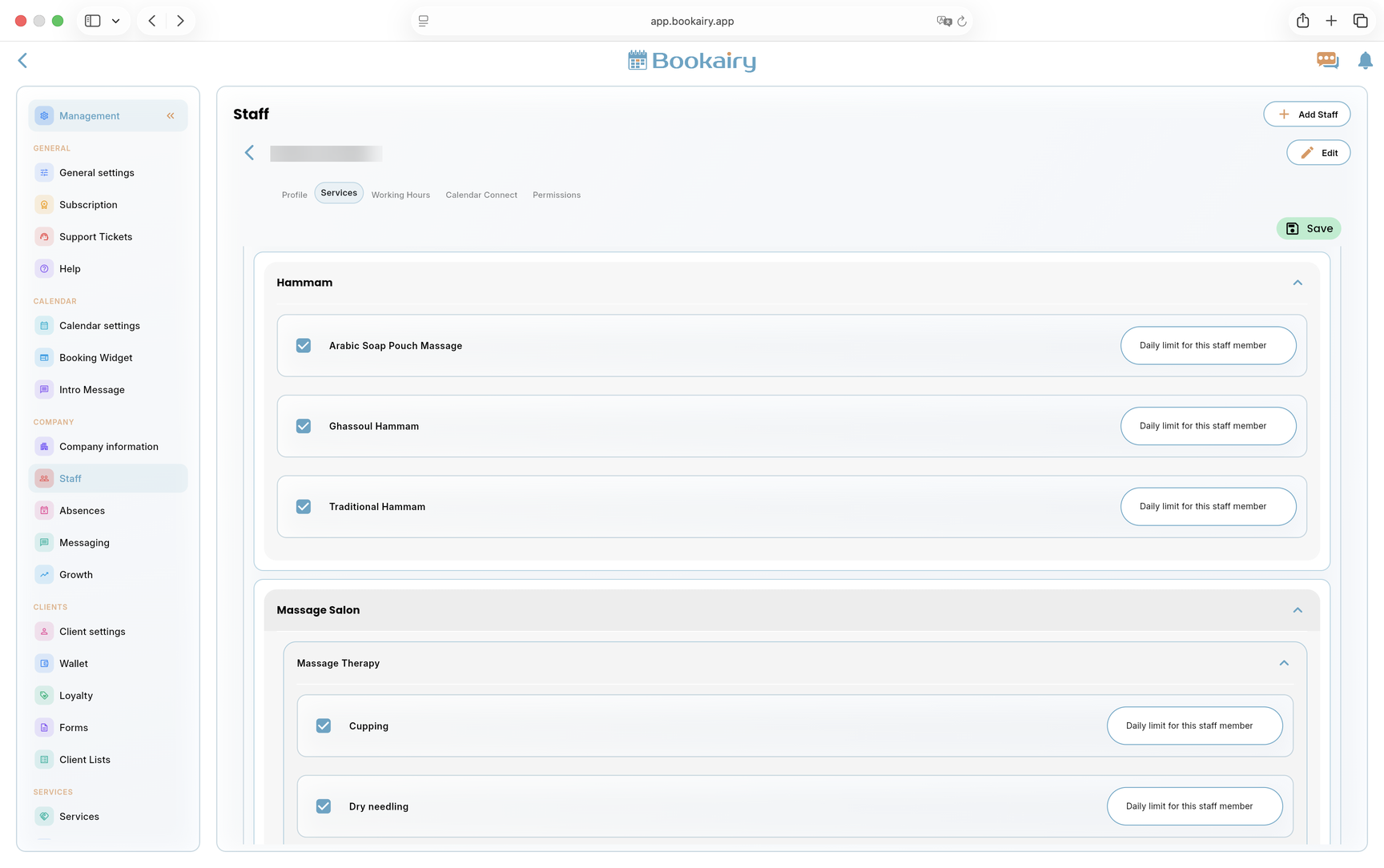
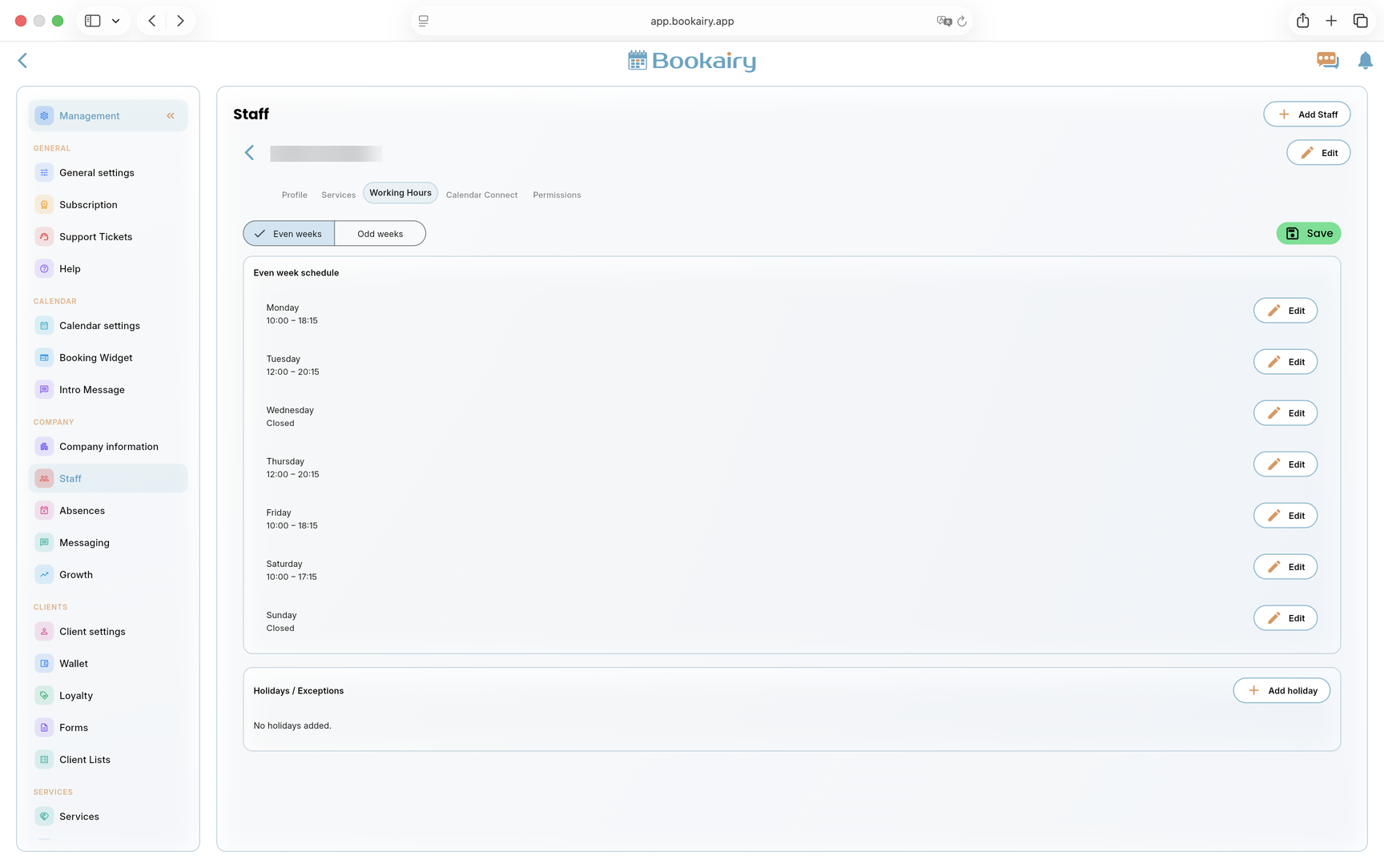
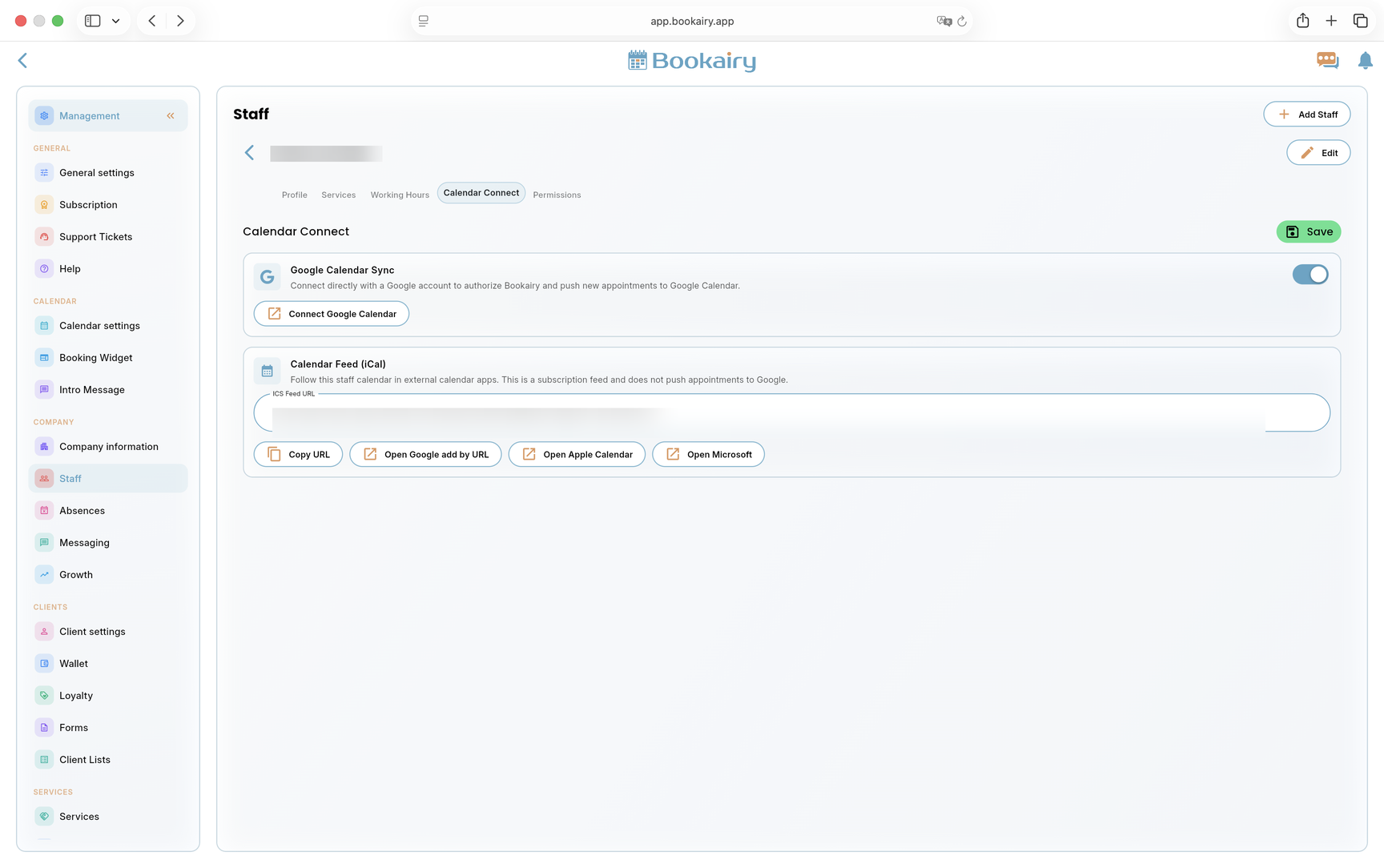
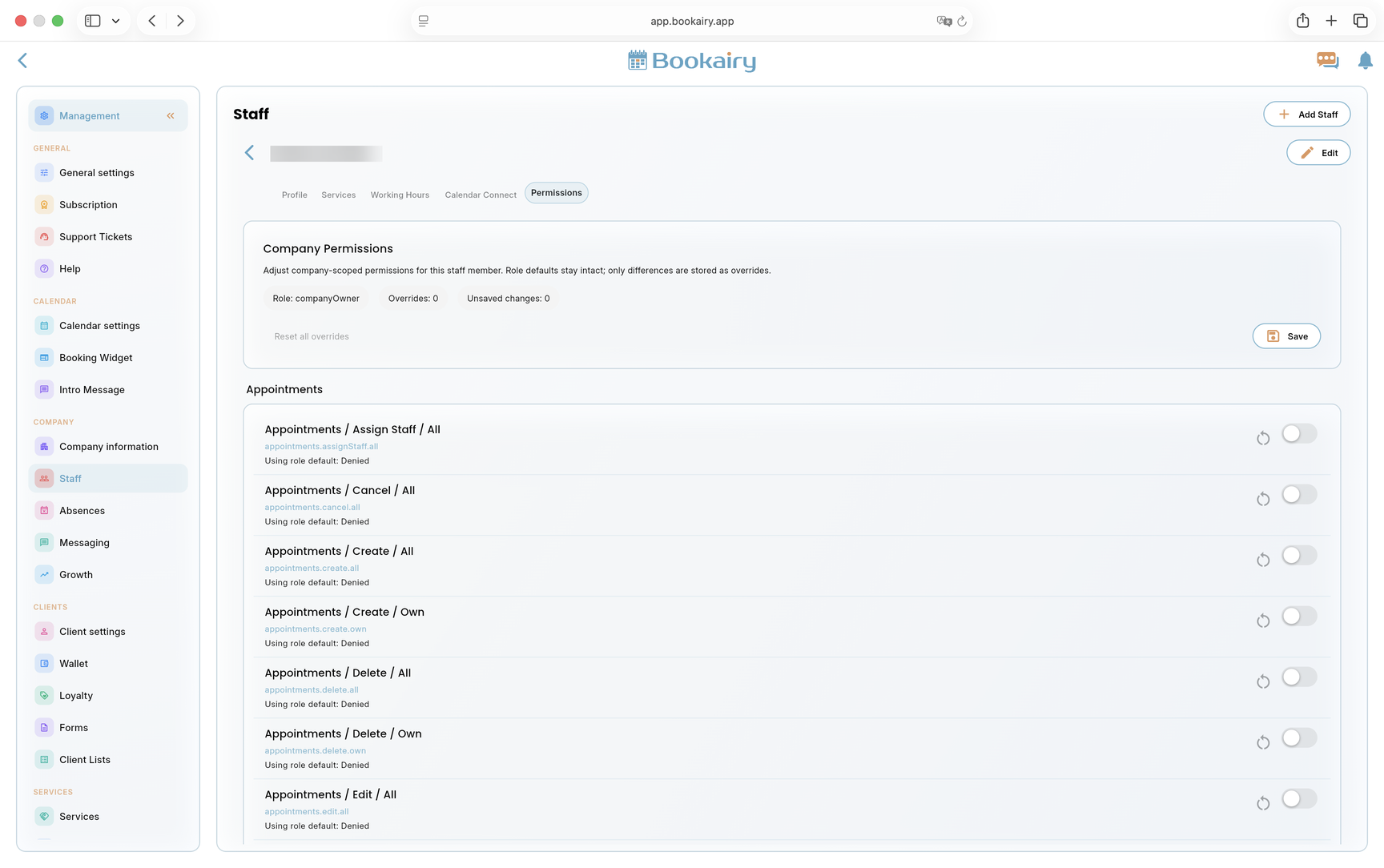
Staff ManagementCreate staff profiles, assign services, manage working hours and keep permissions clear for owners, managers and team members.
Gift CardsSell and redeem gift vouchers as part of the checkout workflow, with preset values and clear tracking for client purchases.
POSComplete the appointment journey with checkout tools for services, products, discounts, payments and daily sales activity.
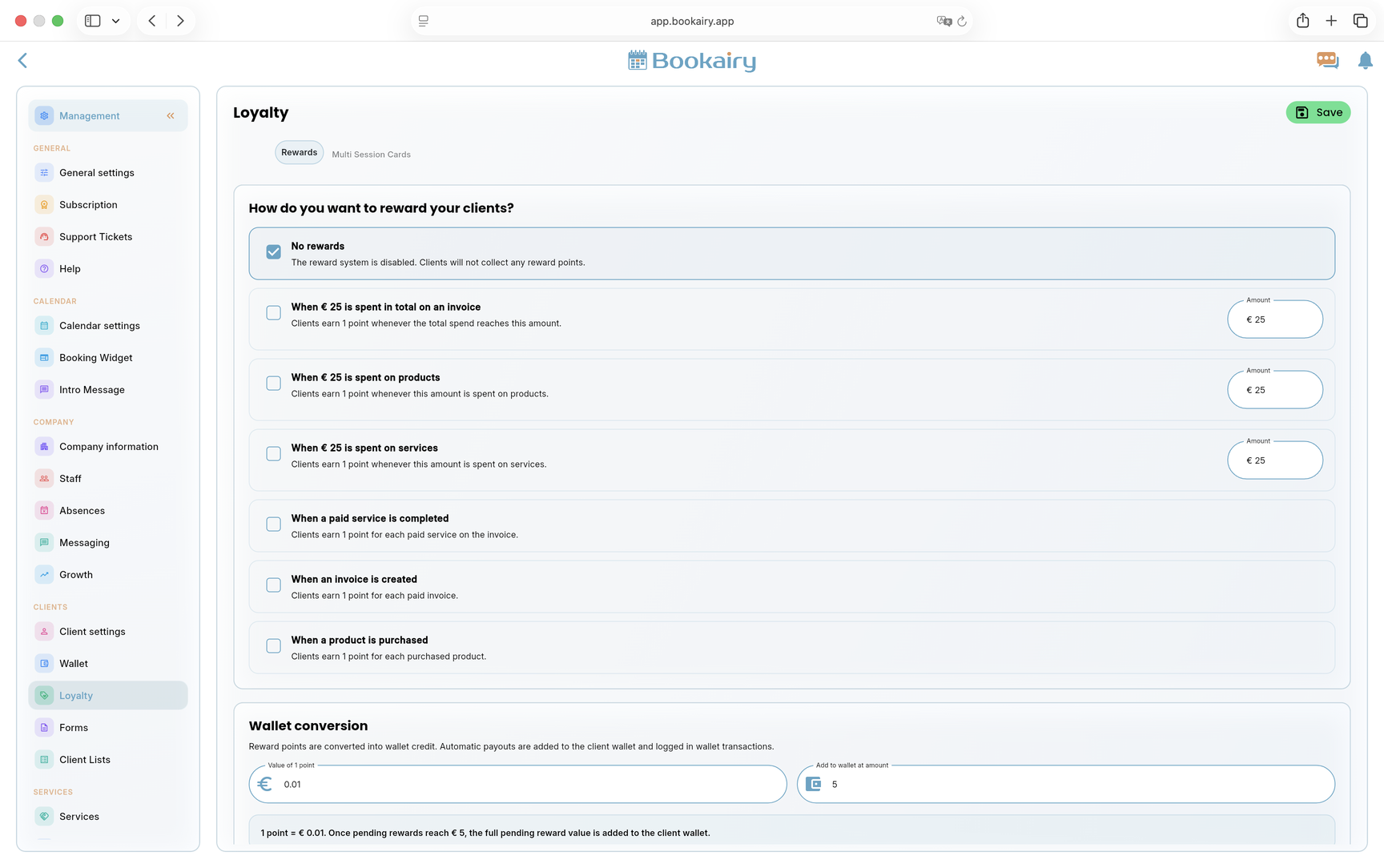
Client WalletTrack balances, credits and Wallet activity so client value remains connected to bookings and sales.
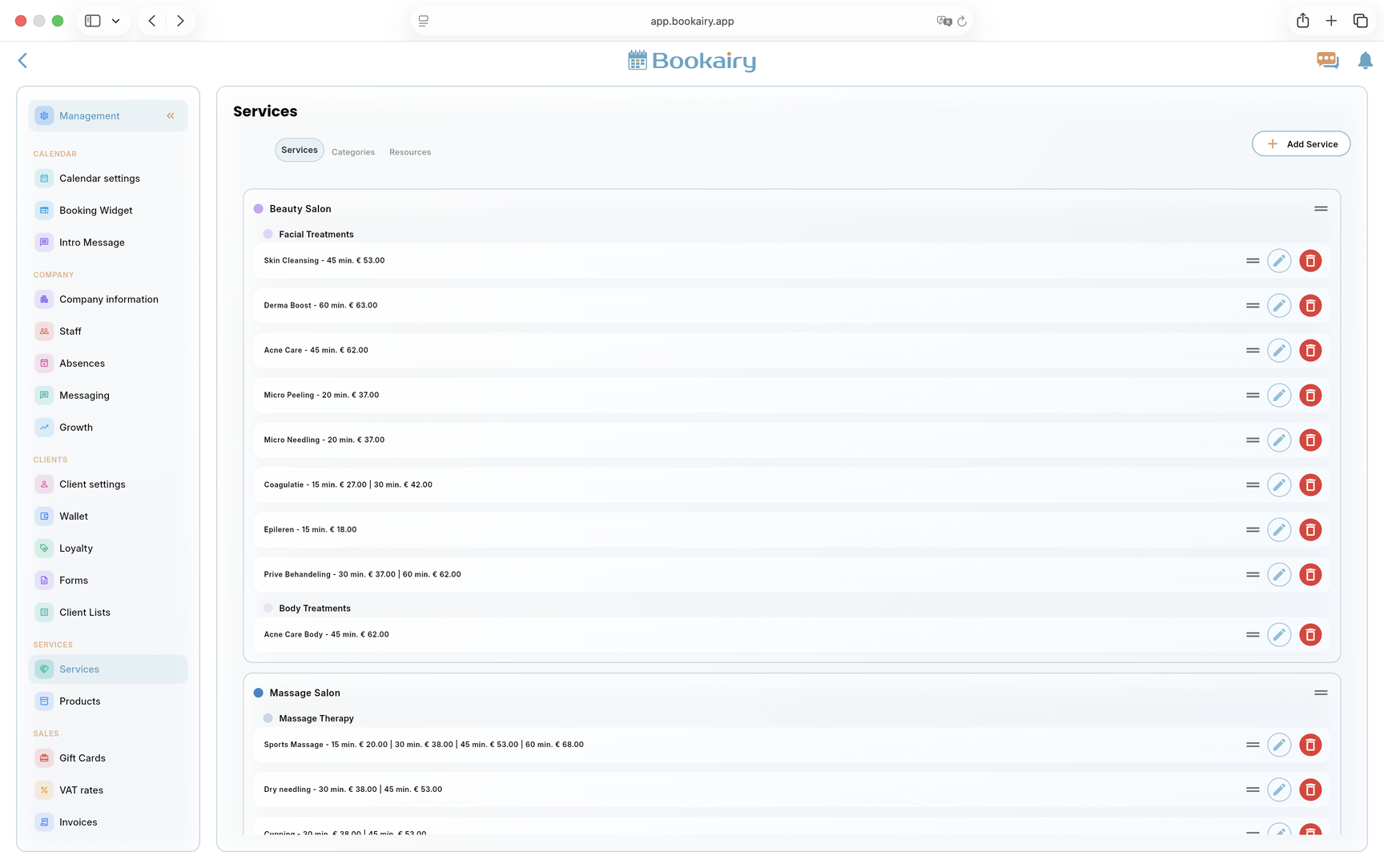
ProductsManage retail products for POS sales and make inventory part of the same client and checkout process.
FormsCreate custom forms for intake, client details and service-specific information that should stay connected to appointments.
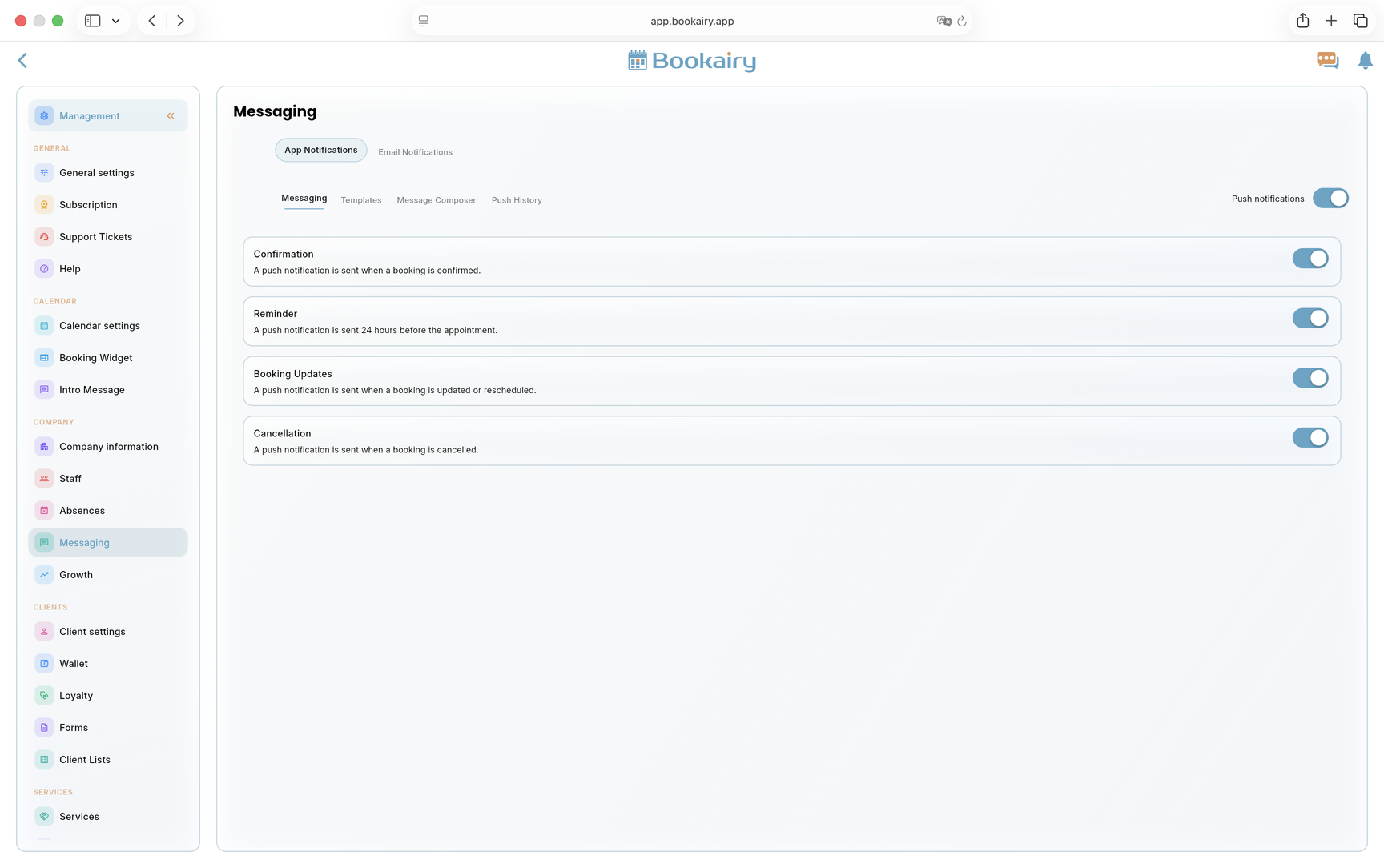
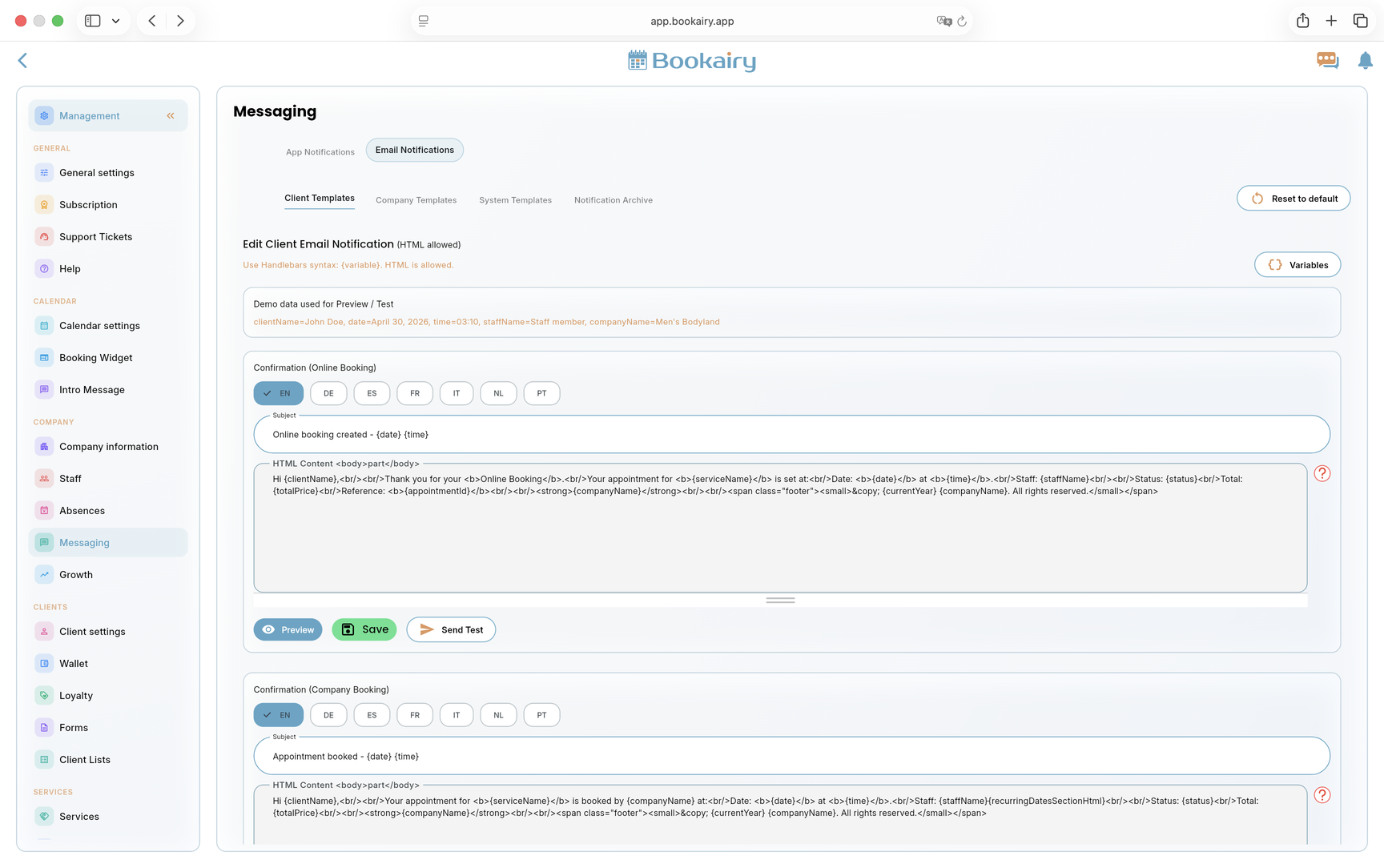
Email & Push NotificationsKeep clients and teams informed with automated messages for bookings, changes, reminders and operational updates.
StatisticsMonitor activity, performance and commercial results with reporting views built for daily business decisions.
TranslationsSupport multilingual booking and communication so clients can use Bookairy in the language that fits your market.
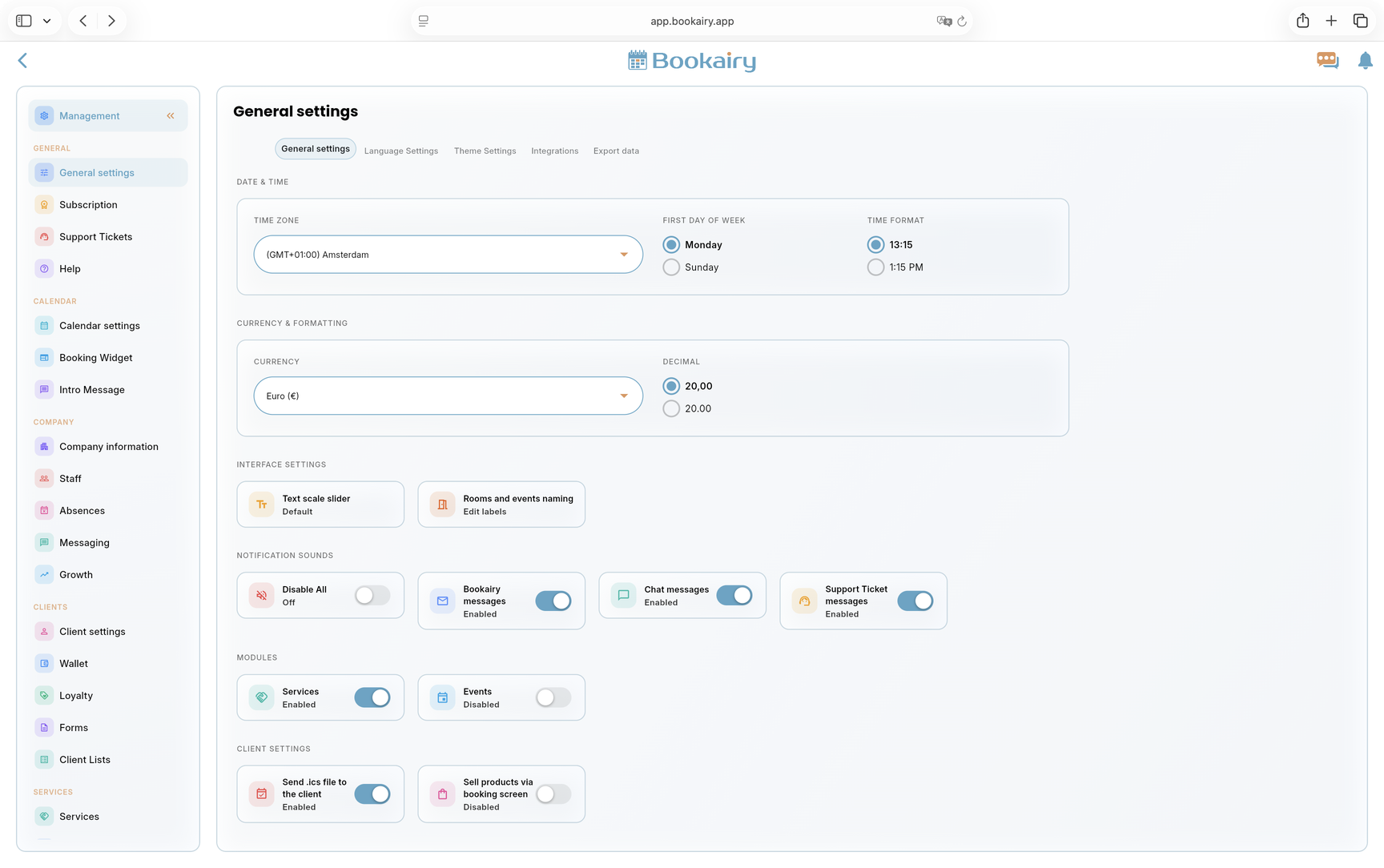
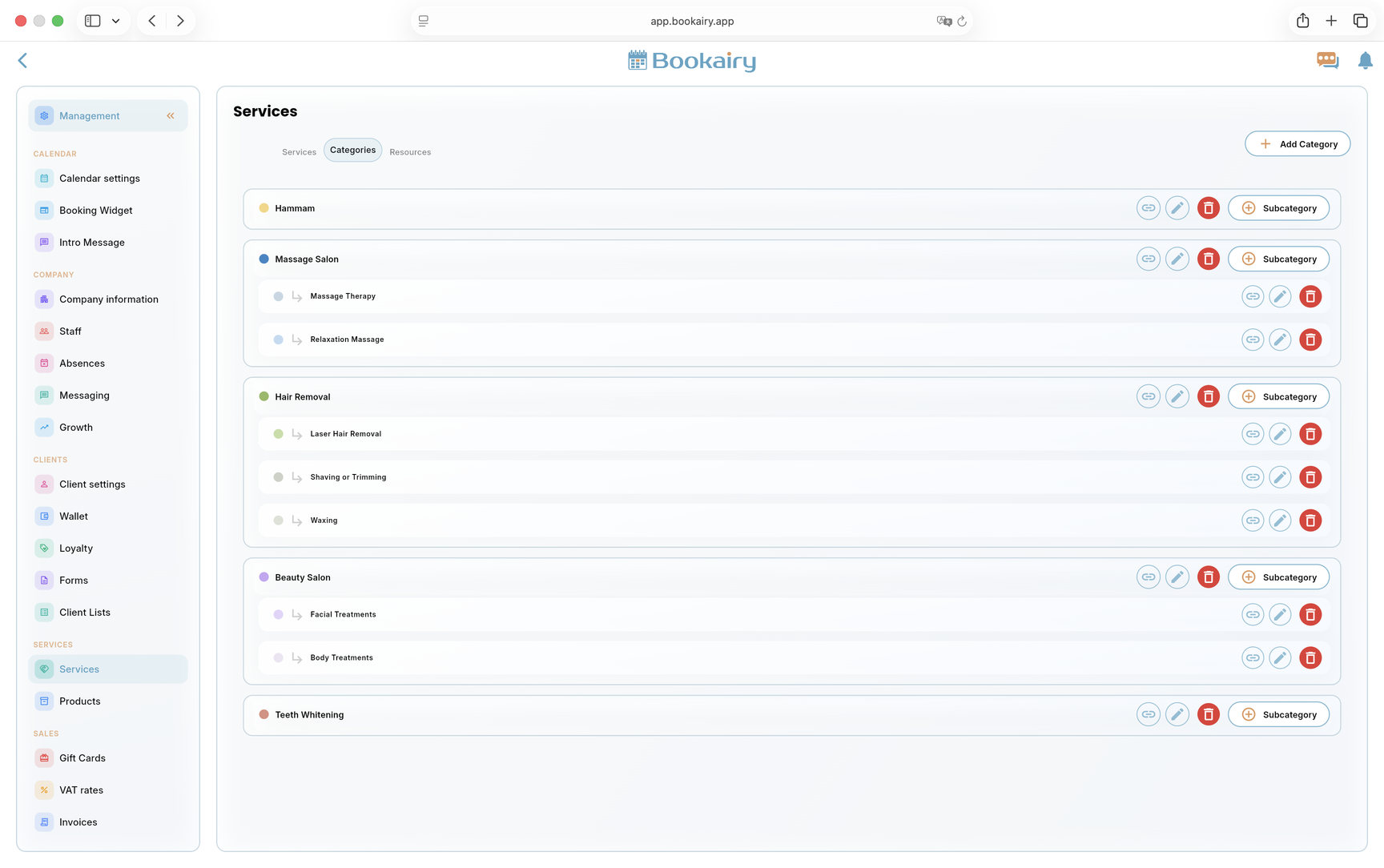
SettingsCustomize the platform around your company workflow, display preferences, modules, notifications and launch setup.
Public beta
Join Bookairy early and onboard your services, staff, clients and schedule in one calm workspace.
Scheduling
Let clients book online while staff rules, service duration and calendar planning stay connected.

Multilingual booking
Offer a clearer client experience with multilingual booking pages, service content and communication.

Client management
Bring bookings, notes, history, forms, Wallet credit and checkout context into one client record.

All-in-one platform
Use Bookairy to manage the full appointment journey from first click to repeat visit.