Skip to content

Online booking software for modern service teams

Bookings, clients and payments clearly organized in one app.

Bookairy helps salons, beauty salons, massage salons, clinics, wellness teams and other service businesses effortlessly turn visitors into confirmed bookings.

  • 24/7 online bookings
  • Automated reminders
  • Seven languages
  • No hidden costs
Bookairy avatar holding a calendar for online appointment booking
Live schedule

Choose staff

Choose a time slotSelect one of the available times.

Choose a day to see available time slots

April 2026
MonTueWedThuFriSatSun
303112345 6789101112 13141516171819 20212223242526 27282930123

Available time slots

13:4514:0014:1514:3016:4517:0017:1517:30
Back Continue

Why Bookairy

A booking system built around the full appointment journey.

The app already combines online bookings, planning, customer profiles, payments and team coordination in one workflow.

Bookairy guide presenting an appointment journey board
Bookairy conversion-first booking icon

Conversion-first booking

Use public booking pages, short links, service deep links, category links, buttons and iframe embeds to turn traffic into appointments.

Bookairy client relationships icon

Client relationships

Keep profiles, appointment history, forms, reports, Wallet balances, sales and communication connected to every customer.

Bookairy sales and checkout icon

Sales and checkout

Sell services, products and gift cards with POS, invoices, discounts, Wallet credit and Mollie payment integration.

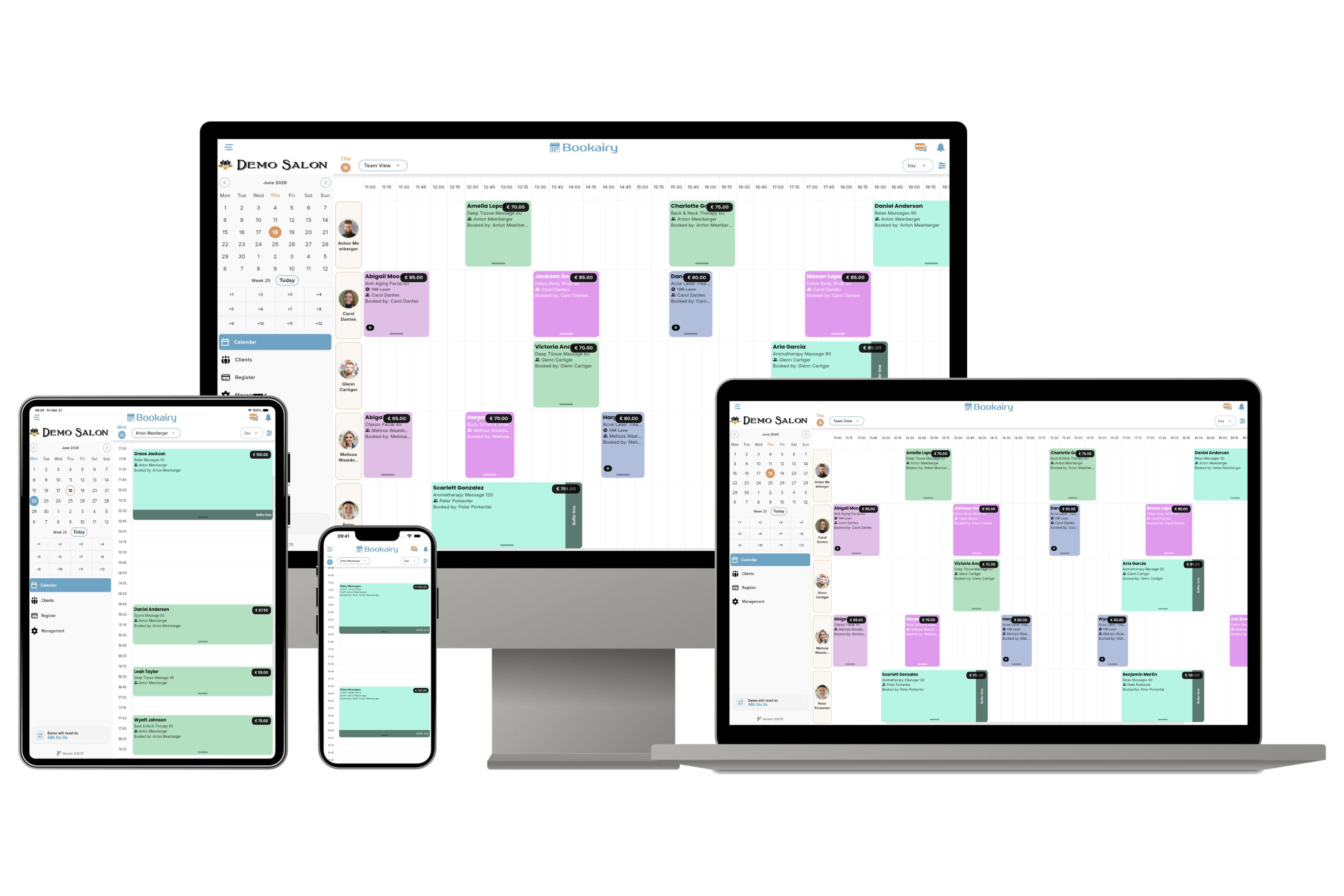
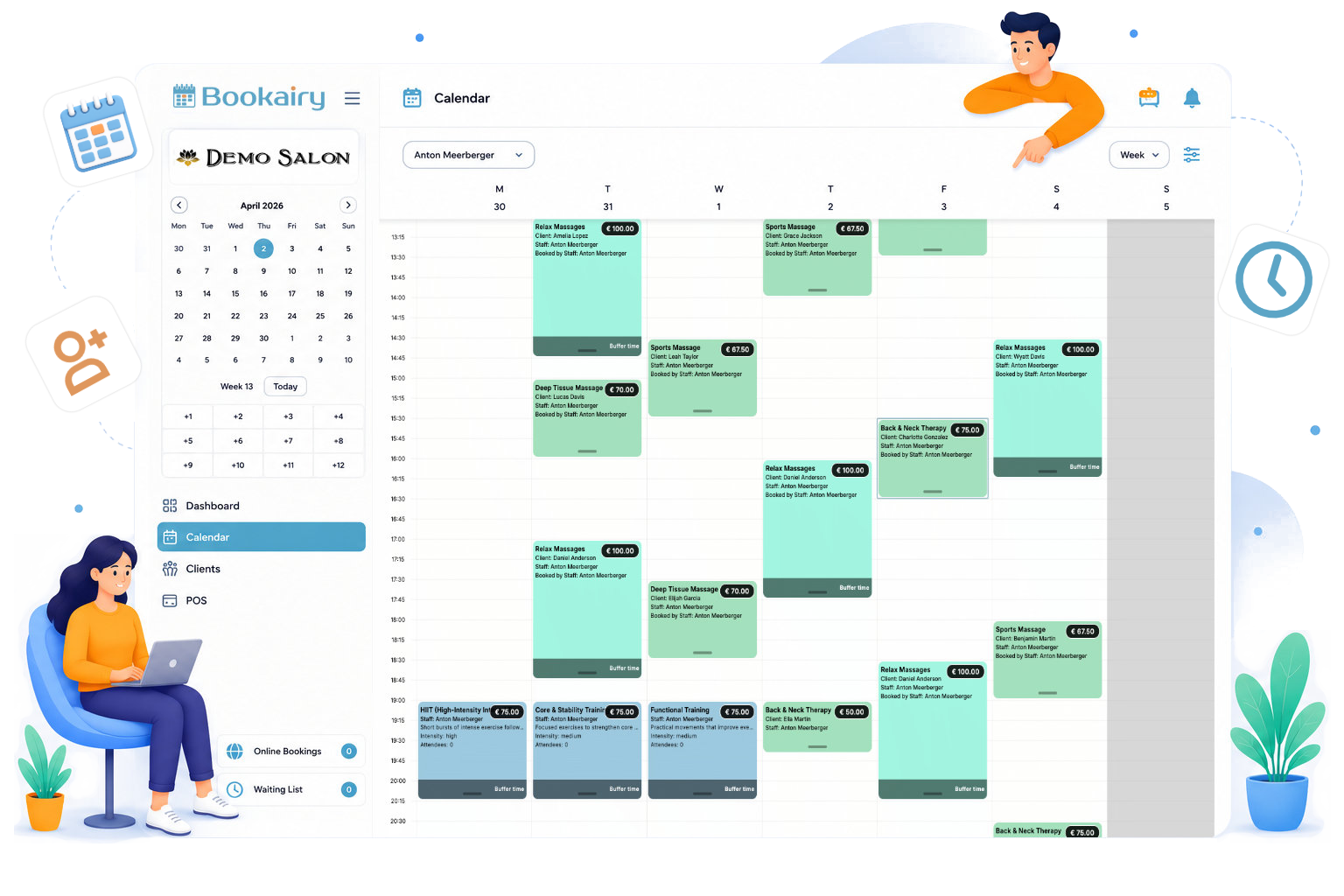
Bookairy in action

A closer look at the workspace your team uses every day.

Browse the calendar, client and register screens without leaving this page.

  • Bookairy platform screenshot 1
  • Bookairy platform screenshot 2
  • Bookairy platform screenshot 3
  • Bookairy platform screenshot 4
  • Bookairy platform screenshot 5
  • Bookairy platform screenshot 6
  • Bookairy platform screenshot 7
  • Bookairy platform screenshot 8
  • Bookairy platform screenshot 9

    Ready to try it with your own team?

    Start a free Bookairy trial and set up your first services, staff and booking flow.

    Start your free trial

    Your Clients

    Give clients their own Bookairy workspace.

    Your clients can use Bookairy in the same connected way your team does. They sign in through their client profile settings and get a useful interface built around their appointments, details and activity.

    From their client profile, customers can easily keep their details up to date, view and manage upcoming bookings, and receive push notifications. This gives customers more control while keeping your business processes seamlessly connected within one platform.

    Bookairy client profile interface preview

    What the platform covers

    From first click to repeat visit.

    Bookairy is more than a booking widget. It is a complete web, mobile and desktop solution that brings appointments, staff, clients, payments and communication together in one powerful workflow.

    • Calendar and availability
      Appointments, block time, waiting list, events, recurring bookings and resource views.
    • Client profiles
      Profiles, labels, moderation, forms, reports, sales, Wallet and appointment history.
    • POS and payments
      Checkout, invoices, partial payments, refunds, gift cards, Wallet top-up and Mollie.
    • Management
      Staff permissions, team chat, subscriptions, language, theme, export and integrations.

    Multilingual booking

    Choose the languages your clients can use.

    Bookairy gives companies clear control over the languages shown in the public booking experience, so clients only see the options that fit your business.

    Bookairy avatar helping companies choose booking languages EN NL ES
    01

    Control Your Booking Languages

    Enable or disable specific languages in settings, and support only the languages that are relevant for your company and clients.

    Bookairy settings for enabling and disabling booking languages
    02

    Add Translations Where It Matters

    When languages are enabled, public booking content such as services and descriptions shows language chip buttons. Fewer enabled languages means fewer chip options.

    Language chip options for translated booking content
    03

    A Fully Localized Booking Flow

    Once translations are added, clients complete the entire booking flow in their selected language, from start to completion.

    Spanish localized Bookairy booking screen Dutch localized Bookairy booking screen

    Built-in support

    Connect with Bookairy Support from inside your workspace.

    Bookairy includes a support ticket system that keeps questions, technical reports and follow-up messages connected to the right company account. Your team can ask for help without losing context or switching between separate tools.

    • Submit questions from the same platform your team uses every day.
    • Keep replies, screenshots and ticket history connected in one place.
    • Give Bookairy Support clearer context for faster follow-up.
    Support ticket

    Booking widget question

    Open
    DV

    Can you check why one service is not showing in the public booking flow?

    B

    Bookairy Support received it. We can see the company, module and booking context attached to this ticket.

    Company account linked Screenshot attached
    Bookairy support avatar wearing a headset for built-in ticket support

    Ready to make booking more complete?

    Use Bookairy to promote services, manage calendars and give clients their own booking experience.

    View the Demo
    Bookairy booking platform icon

    Public beta

    Start building your booking flow today

    Join Bookairy early and onboard your services, staff, clients and schedule in one calm workspace.

    Start onboarding
    Bookairy 3D avatar for onboarding a booking platform